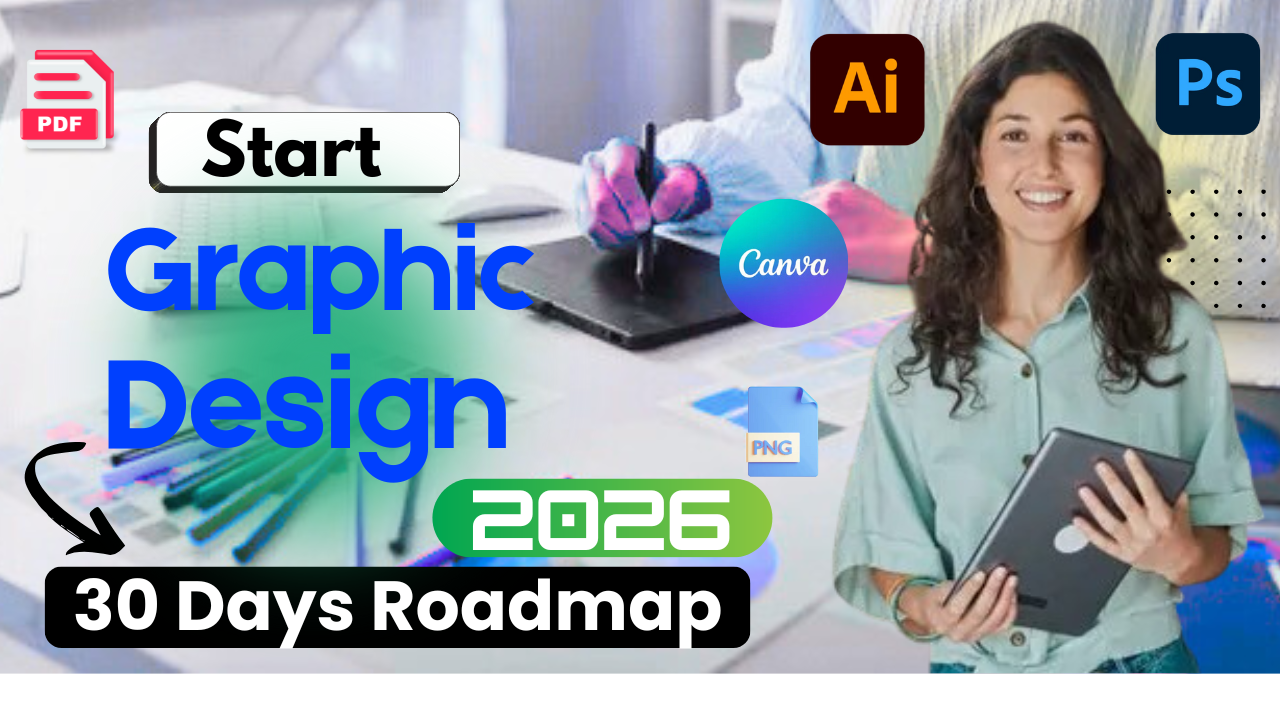
Nice choice 👍 Graphic Design in 2026 is a powerful career if you follow the right roadmap. Here’s a complete, step-by-step Graphic Design Roadmap (Beginner → Pro), updated for 2026 trends & tools.
🎨 Graphic Design Full Roadmap (2026)
🟢 Phase 1: Basics (0–1 Month)
Learn Design Fundamentals
You must understand these first:
- Color Theory (RGB, CMYK, HEX)
- Typography (Serif, Sans-Serif, Font pairing)
- Layout & Composition
- Alignment, Contrast, Balance
- White Space
- Visual Hierarchy
📌 Resources:
- YouTube (Free): Satori Graphics, Yes I’m a Designer
- Book: The Non-Designer’s Design Book
🟡 Phase 2: Tools Mastery (1–3 Months)
Essential Software (2026)
Start with any one, then expand:
🔹 Beginner Friendly
- Canva (Very important in 2026)
- Adobe Express
🔹 Professional Tools
- Adobe Photoshop – Image editing, posters
- Adobe Illustrator – Logo, vector, branding
- Adobe InDesign – Magazine, brochure
- Figma – UI + Graphic combo (🔥 demand)
💡 Tip: Don’t try all at once.
Start → Photoshop + Illustrator OR Figma
🔵 Phase 3: Core Design Skills (3–5 Months)
What You Should Practice Daily
- Logo design
- Social media creatives
- Poster & banner design
- Business card & flyer
- Thumbnail design (YouTube, Instagram)
📂 Practice Platforms:
- Behance
- Dribbble
- Pinterest (design inspiration)
🟣 Phase 4: Specializations (Pick 1–2) (5–8 Months)
In 2026, specialization = higher income
🔥 High-Demand Graphic Design Fields
- Brand Identity Design
- Logo, color palette, typography
- Social Media Designer
- Instagram, Ads, Reels covers
- UI Graphic Designer
- App visuals, icons (with Figma)
- Motion Graphics (Bonus)
- After Effects, Lottie
- Thumbnail Designer
- YouTube creators (high demand)
🔴 Phase 5: Portfolio Building (6–9 Months)
Your Portfolio Must Include:
- 8–12 strong projects
- Before/After designs
- Real-world style projects
- Case studies (problem → solution)
📌 Platforms:
- Behance (mandatory)
- Personal Website (WordPress / Webflow)
- Instagram Page (daily posting)
🟠 Phase 6: AI + Modern Tools (2026 Must-Have)
AI is not replacing designers, designers using AI are replacing others.
Learn These AI Tools:
- Adobe Firefly
- Midjourney (for ideas)
- Canva AI
- ChatGPT (design briefs, captions)
- Remove.bg, Upscale AI
🟤 Phase 7: Earning Paths (After 6 Months)
💰 How to Earn as a Graphic Designer
- Freelancing (Fiverr, Upwork)
- Agency job
- YouTube thumbnail designer
- Social media manager + designer
- Sell templates (Canva, Creative Market)
- Start YouTube channel (like CodeBaaj 😉)
💸 Income (India – Approx):
- Fresher: ₹15k – ₹30k / month
- Freelancer: ₹50k – ₹1.5L+
- Agency Pro: ₹6–12 LPA
🧠 Bonus Skills (Highly Recommended)
- Basic Marketing knowledge
- SEO + Design (huge advantage)
- Communication & client handling
- Time management
📅 6-Month Learning Plan (Quick View)
| Month | Focus |
|---|---|
| 1 | Design basics + Canva |
| 2 | Photoshop / Figma |
| 3 | Illustrator + Practice |
| 4 | Specialization |
| 5 | Portfolio + AI tools |
| 6 | Freelancing & Jobs |
🎯 Final Advice
- Consistency > Talent
- Copy designs to learn (not to sell)
- Daily practice = success
- Build personal brand online